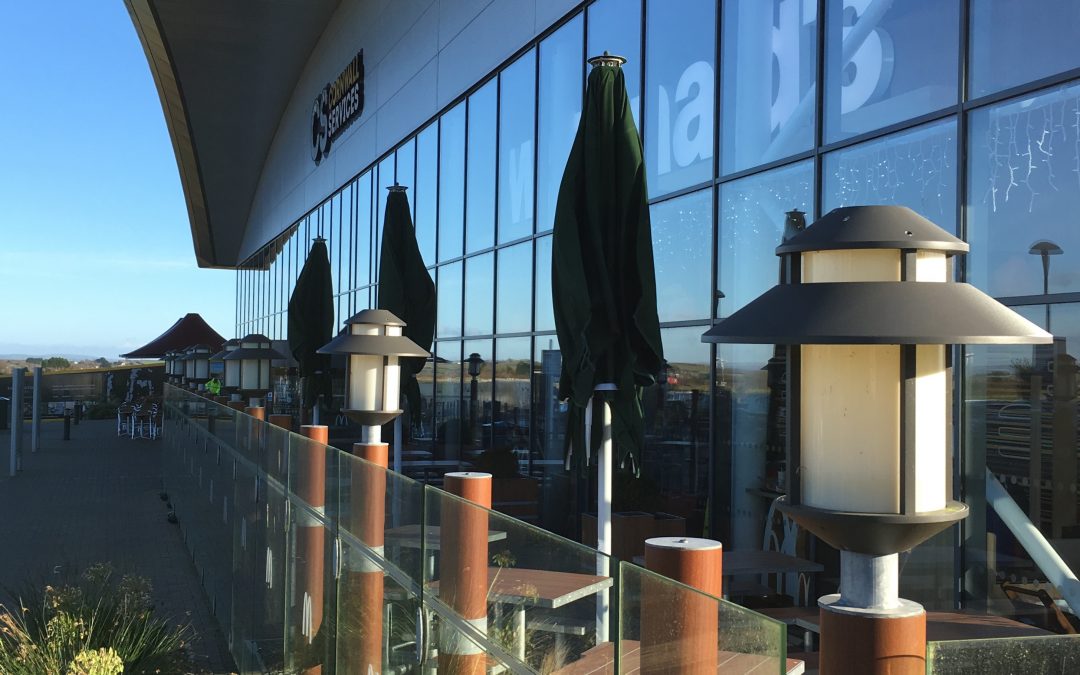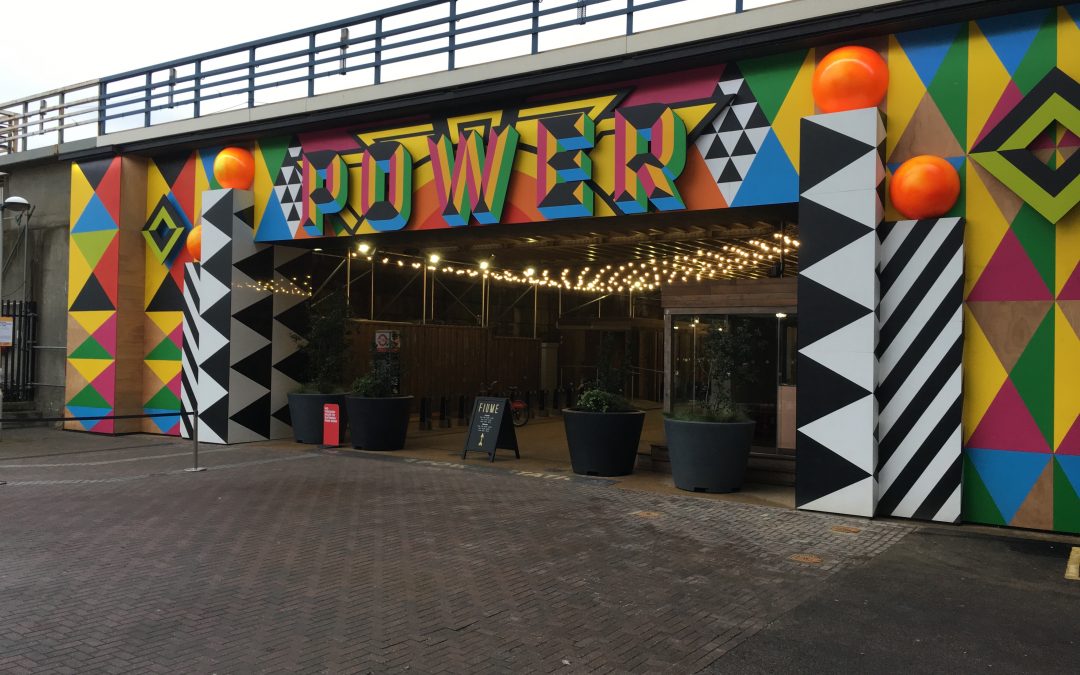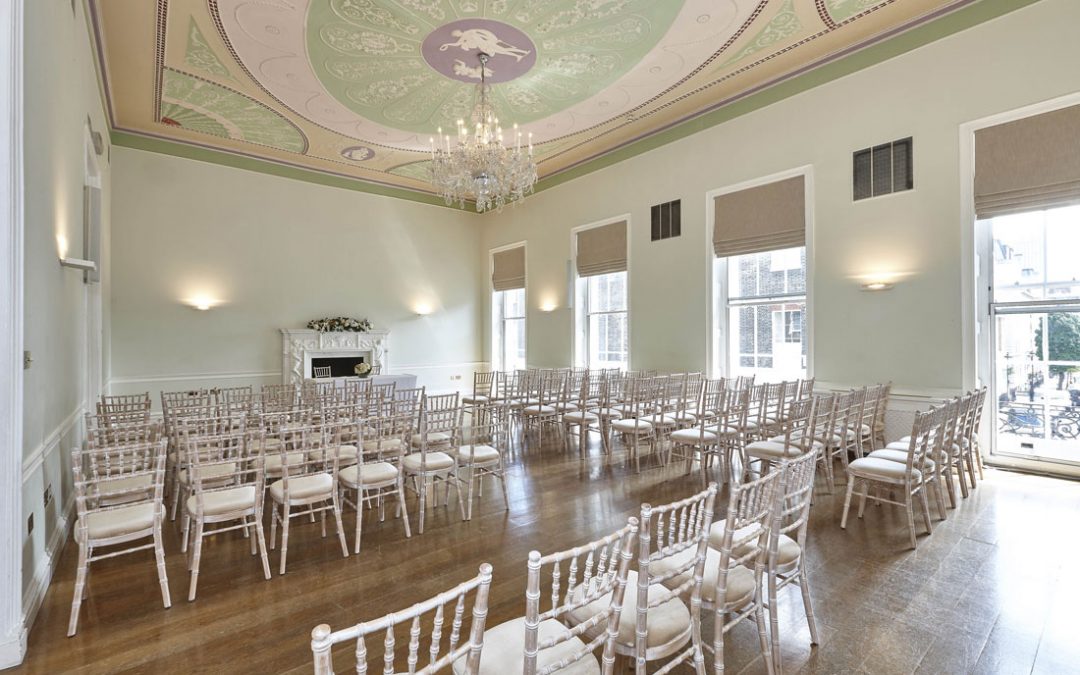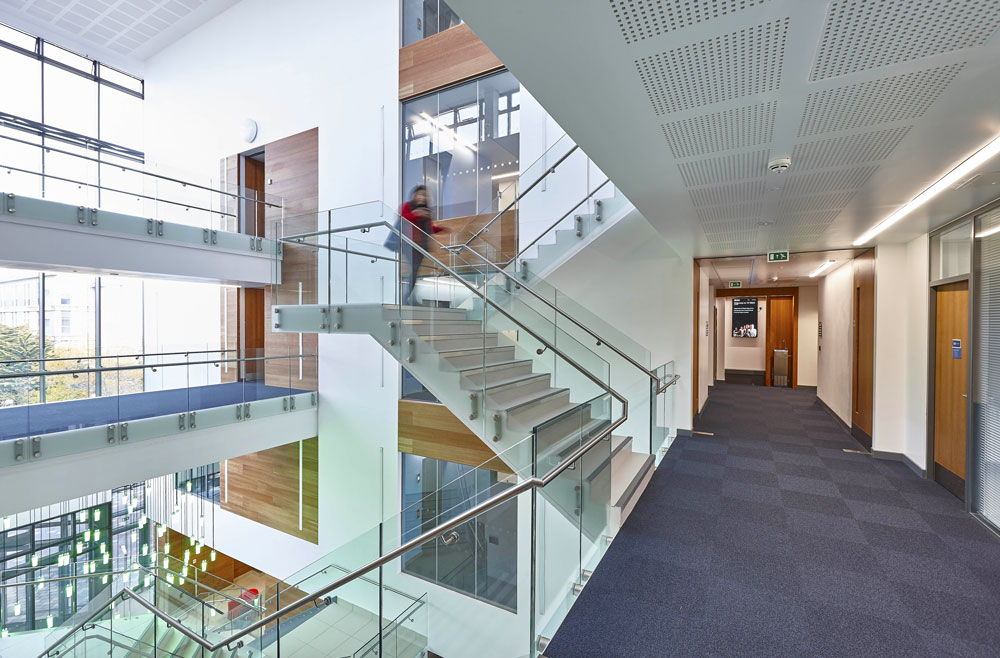
Adam Coupe Photography

Share_

Bookmark and Share

Blog_

Spotlight_

Blue Cube Building

Blue Cube Building

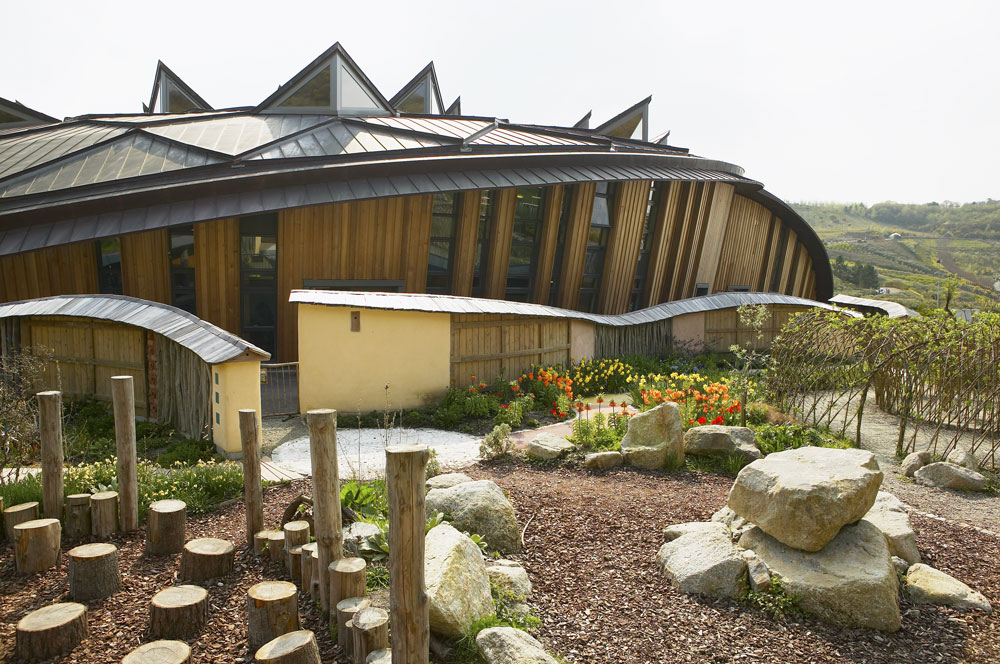
Mounts Bay School, Penzance, Cornwall

Phin Manasseh


Blog >> Photography >> Latest Entries_

Posted in Photography on Friday 26th June 2009, 11:37pm

Canon Professional Network Newsletter - June


Canon Professional NetworkThe June edition of the  Canon Professional Network Newsletter includes a technical masterclass on how to capture dust delete data and use Digital Photo Professional to eliminate dust spots - always an issue for commercial photography and a feature on PIXMA Pro9500 Mark II and Pro9000 Mark II professional printers that offer faster printing and a new Ambient Light Correction feature.

Posted in Photography on Tuesday 16th June 2009, 6:18pm

Canon TSE 24mm II Review


Canon Professional Network  

TS-E24mm f/3.5L II
 
The superb range of Canon Tilt and Shift lenses has been updated with a mark II version of the 24mm TSE - the Canon Professional Network site have a review of this renowned architectural photography lens here.

Posted in Photography on Saturday 30th May 2009, 9:23pm

Canon Professional Network Newsletter - May 2009

Canon Professional Network The May edition of the Canon Professional Network Newsletter is out for all Canon and commercial photography/architectural photography enthusiasts alike.  This edition has articles covering 50 years of Canon SLRs, tips on sports photography and feedback on entries for the recent Getty Images competition.


Posted in Photography on Tuesday 19th May 2009, 11:15pm

Commercial Photography Technique - Improving Flashgun Light


 Adam Coupe Photography A new Commercial Photography Technique article is now available - Improving Flashgun Light Quality.  Image quality when using even the best portable flashguns can be poor without the use of add-on tools or useful surroundings.  Getting the shot in commercial photography is critical especially when photographing celebrities - understandably their focus isn't on waiting while you perfect exposure settings - you've got 30 seconds to a minute if they're feeling generous and your equipment and setup needs to be ready!

This article provides tips on equipment and technique - an extract reads:

Diffuse the situation


A flash diffuser is a good alternative to bounce flash and works in a similar way by spreading out hard, directional light into a larger omni-directional source.  This minimises red-eye, weakens shadows and creates softer, more flattering lighting.  Taking diffused flash off-camera allows you to create even more natural results.  You can buy various types of diffusers for external flashguns.  High-end flashguns often ship with a transluscent diffusion dome which looks a bit like a  plastic ice -cream carton and fits snugly over the flash head.  These STOFEN plastic diffusers are commonly used in commercial photography however I would recommend the Gary Fong Lightsphere - one rare occasion when a more expensive gadget is worth the money.

Posted in Photography on Thursday 14th May 2009, 10:48pm

Commercial Photography Technique - Introduction to Shooting RAW


Adam Coupe Photography A new Commercial Photography Technique article entitled Introduction to Shooting in RAW is available to start to dispel some of the myths surrounding the file format

A more technical 'Benefits of Shooting in RAW' is planned that will drill deeper into the post shoot flexibility that RAW offers rather than shooting in JPEG


 Here's an extract:

When to shoot RAW, when to shoot JPEG?


The main reason to shoot JPEG is that you get more shots on a memory card and it's faster, both in camera and afterwards. If you shoot RAW files you have to then convert them to TIFF or JPEG on a PC before you can view or print them. If you have hundreds of images, this can take some time. If you know you have the correct exposure and white balance as well as the optimum camera set parameters, then a high quality JPEG will give you a print just as good as one from a converted RAW file however you won't have the flexibility of image manipulation that RAW offers later especially for commercial photography and architectural photography.  This guideline on time saving however assumes that you don't intend to adjust your JPEG images in Photoshop or other image manipulation tool.  By the time you have opened, adjusted and resaved the JPEG any timesaving is lost. 


You shoot RAW when you expect to have to do some post exposure processing. If you're not sure about exposure or white balance, or if you want to maintain the maximum possible allowable post exposure processing, then you'll want to shoot RAW files, convert to 16-bit TIFF, do all your processing, then convert to 8-bit files for printing. You lose nothing by shooting RAW except for time and the number of images you can fit on a memory card.


Note that some cameras can store a JPEG image along with the RAW file, a feature that is particularly useful for commercial photography and architectural photography. This is the best of both worlds, you have a JPEG image which you can quickly extract from the file, but you also have the RAW data which you can later convert and process if theres a problem with the JPEG. The disadvantage is, of course, that this takes up even more storage space. Many cameras also store a small "thumbnail" along with the RAW file which can be read and displayed quickly without having to do a full RAW conversion just to see what's in the file.


Posted in Photography on Tuesday 12th May 2009, 6:09pm

Commercial Photography Technique - Stylish Portraits


 Adam Coupe Photography A new Commercial Photography Technique article has been added to the resources area that provides tips on creating stylish portraits - a regular commercial photography requirement.

Topics include: Creative Lighting, Working with Colour, Mysterious Mono, Creative Cropping, Background Blur, Selecting a Style, Formal Portraits, White Balance (covered in more detail here), Ambient Lighting and Informal Portraits for commercial photography.

Here's an extract:

Mysterious Mono


While colour has its own benefits and emotional properties, the most enduring theme in artistic portraiture is of course black and white.  Digital technology means that the photographer does not necessarily have to choose at the shooting stage whether to capture a frame in colour or not, as even the most humble of image editing programs will enable users to switch coloured images into monochromatic versions.


Indeed, most pro photographers prefer to desaturate images during post production as it offers more control over the effects impact, and provides a choice of either sepia or duotone conditioning.  However, even if you are shooting in colour, you must still think about the effect that composition will have on black-and-white representation.


Monochromatic toning is most effective on images that incorporate interesting textures and uneven lighting, as these both provide a relief background that will ensure that a wide range of greys, blacks and whites will be generated.


Black-and-white toning brings instant artistic appeal to a portrait, for that timeless feel and is most effective on close-up images.  If you want to create full-length mono shots, either place your subject in front of a plain background or an extremely textured background (such as a cloudy sky).  This will prevent the subject blending in with their surroundings and appearing drab.

Posted in Photography on Thursday 23rd April 2009, 10:08pm

Commercial Photography Technique - Studio Flash Photography

 
Adam Coupe Photography
A new Commercial Photography Technique article is now available on Studio Flash Photography for keen enthusiasts or for anyone wanting to turn their hobby into a commercial photography business.  This article aims to provide a factual overview of continuous lights and flash systems by discussing both their strengths and weaknesses. 


This is an extract from the article:

Head-and-shoulders Portrait

The most common type of studio shot is the simple portrait.  Whether it is used for a passport or to be framed as a gift for a loved one, there are a few simple techniques that ensure excellent results.

One winning approach is to use the flash head on full power just above and in front of the model.  The flash head is fitted with a large softbox to provide bright, even illumination of the hair.  At either side, two more flash heads with medium softboxes are fired into large polystyrene reflectors.  Two more reflectors are positioned to each side to fill in any shadows.  Finally, a largel, gold coloured reflector is positioned just out of shot below the model's chin.  This reflects the light up under the chin and fills in shadows under the eyes and nose.  It also produces attractive catch-lights in the eyes.  The technique works wll for both standing and seated portrait poses and frequently used in commercial photography.


Posted in Photography on Friday 17th April 2009, 5:26pm

Canon Professional Network Newsletter - Apr 2009


Canon Professional Network The April edition of the CPN newsletter features What's in your Kitbag of Julian Love - commercial photographer along with the final call for entries into the new Editors Choice photo competition where images are reviewed by the world's top photo editors.  A 'must read' for all commercial photography businesses and enthusiasts alike.


Posted in Photography on Wednesday 18th March 2009, 6:58pm

Canon Professional Network Newsletter - Mar 2009


http://www.gavingough.com/wp-content/uploads//2009/04/canon-professional-network-cpn-newsletter.jpg The March edition of the Canon Professional Network newsletter has firmware updates for the EOS 1D Mark III and EOS 1Ds Mark III along with a video interview with legendary Associated Press photographer Horst Faas who looks back over his 50 year career, two Pullitzer Prizes, Robert Capa Award and how he covered the Vietnam War.


Posted in Photography on Tuesday 17th February 2009, 5:53pm

Canon Professional Network Newsletter - Feb 2009


Canon Professional Network The Canon Professional Network newsletter is a great source of both product and technique information for commercial photography specialists and enthusiasts.  The February edition features the launch of the new 17mm Tilt and Shift lens along with the relaunched 24mm f3.5L II Tilt & Shift lens along with an illustration of the benefits provided by the new subwavelength lens coatings that lens flare and ghosting on wide-angle lenses.


Posted in Photography on Saturday 10th January 2009, 4:28pm

Canon Professional Network Newsletter - Jan 2009


Canon Professional Network If you’re a Canon user, or even if you’re not, you may find the monthly Canon Professional Network newsletter interesting reading. This month CPN technical editor, David Newton reveals the major features of EOS 50D and the EOS 5D Mark II in two masterclass videos - good resources for the commercial photographer. 


Posted in Photography on Wednesday 10th December 2008, 10:08pm

Commercial Photography Technique - Flash Photography


 Adam Coupe Photography  

A new Commercial Photography Technique article is now available covering Flash photography for commercial photography.  This paper covers the terminology and the various facilities that modern off-camera flash guns provide - studio flash will be covered in a future article.


This is a taster of one of the topics covered:


Front curtain sync


Often referred to as daylight sync or fill-in flash, this mode lets you force the flash to fire at any time to augment your main light. As well as being a convenient way of illuminating dimly lit subjects such as building interiors, it’s commonly used in portraiture by commercial photography specialists to fill in shadows caused by harsh back, side or top lighting.  This creates a softer, more balanced appearance and it’s a great way to add attractive catch-lights to a subject’s eyes.  In the hands of a skilled commercial photographer, daylight sync can also be used as a creative tool for highlighting or isolating key compositional elements.


Electronic flash delivers light with almost exactly the same hue and visible spectrum as mid-day sunlight, which is why it’s often referred to as ‘artificial daylight’.  At 5,500 degrees Kelvin it has a bluish colour temperature and can therefore effectively be used to cancel out the orange casts caused by tungsten lighting.


Posted in Photography on Friday 28th November 2008, 8:28pm

Commercial Photography Technique - Light Metering


 Adam Coupe Photography

I've added the fifth in a series of Commercial Photography Technique articles to the site - this one dealing with Light Metering modes, which to use when and how to compensate when the meter gets it wrong.  Future articles will cover other basics including Flash Photography and Lenses amongst other topics. 


Here are a couple of the tips from the end of the article:


Solving problems


Whichever metering mode you employ you’ll be faced with problematic conditions.  When this happens, try these remedies:


1          Decide what your key subject is and move in to fill the frame with as much of it as possible, so that

            overly light or dark areas are excluded from the metering measurement.  Then use AE lock to fix the exposure

            and recompose.


2          Another good tactic is to take a reflective reading from a spectrally neutral grey card placed in front of and 

            receiving exactly the same light as your subject for your commercial photography.  Although not always practical                 location, grey cards should provide better results than random grey point selection, and aren’t influenced by the

            subject’s tonal distribution or reflectivity.  Fill as much of the frame as possible with the grey card and angle it

            carefully to avoid picking up reflections or shadows that could influence readings.


Posted in Photography on Saturday 22nd November 2008, 8:54pm

Photography Technique - Focusing


 Adam Coupe Photography

I've added the fourth in series of Commercial Photography Technique articles to the site - this one dealing with Focusing systems and techniques. 


Future articles will cover other basics including Light Metering, Flash Photography and Lenses.


Here's a taster:


Nailing the focus for every shot is far from straightforward, involving considerably more user intervention than a point and shoot approach.  This is because the speed, complexity and accuracy of AF systems varies dramatically from camera to camera and in different shooting conditions.  Ultimately, autofocus is just a mechanical tool that’s prone to errors and suffers limitations like any other man-made technology when used for commercial photography.  The good news is, if you understand how your camera’s AF system works and what its shortcomings are, you’ll be well equipped to anticipate and compensate for it’s failings.


Active and passive


Autofocus systems come in two different flavours – active and passive, both of which have distinct advantages and disadvantages.  Active autofocus is commonly found on compacts and works on the same principle as radar, emitting infrared beams that bounce off the subject.  By measuring the angle and size of the reflected beams plus the time delay between the signal emission and reception, the camera calculates the distance between the CCD and subject.


Posted in Photography on Thursday 20th November 2008, 6:40pm

Capture One 4 Pro Launch


+ Redefine your raw processing with Capture One 4 PRO


 The PHASE ONE R&D team have worked hard to develop a software

 architecture that can be quickly updated for new DSLR support and

 new features or functions for commercial photography. This new

 architecture is an engineering platform that will allow them to keep

 up with rapid OS changes for both Mac and PC.  Both Mac and PC

 versions now look and operate in a similar manner.  The most

 important aspect of Capture One 4 PRO is that the functionality

 and workflow of version 3 is retained with all of the enhanced

 quality advantages of Capture One 4 PRO! The ColorEditor is now

 integrated, Styles are enhanced, and new creative tools have been

 added. Their Lens tools prove that optical correction can be applied

 to almost any lens regardless of camera platform.


Posted in Photography on Friday 14th November 2008, 7:47pm

Photography Technique - Depth of Field


 Adam Coupe Photography

I've added the third in series of Commercial Photography Technique articles to the site - this one focusing on Depth of Field, in this form a article that will be strengthened with the launch of a lenses article in the next fortnight.  Future articles will cover other basics including Focusing, Light Metering, Flash Photography and Lenses.


Material within the article includes:


Using depth of field creatively can give a shot loads of style as well as a professional commercial photography edge.


Thanks to the autofocus function found in most modern digital cameras, achieving clarity in your images is an easy task.  However, by controlling exactly how much of your commercial photography is in focus, you can add style and impact to your work and achieve some credible results.

Put simply, depth of field is the area around the subject of your photograph that is in focus.  Point the camera at anything and, unless you tell it otherwise, it will automatically focus for you – the depth of field is the area in front and behind the point of interest in sharp focus.  It ranges from a few millimetres to several feet and is governed by two factors – focal length and lens aperture.


Posted in Photography on Monday 10th November 2008, 6:32pm

Photography Technique - White Balance


 Adam Coupe Photography

I've added the second of what will be a series of Commercial Photography Technique articles to the site - this one focusing on the art of White Balance and how, once mastered, it can become a powerful creative tool. 


Future articles will cover other basics including Depth of Field, Focusing, Light Metering, Flash Photography and Lenses.


Topics within the article include:


The colour temperature of light


Photographers use the Kelvin Colour Temperature scale to objectively quantify this colour balance.  Named after the British physicist Lord Kelvin and expressed in degrees Kelvin, the scale is defined by the sequence of coloured light radiated by a metal, such as iron, as it's slowly heated from room temperature to melting point.  The sequence of radiated wavelengths passes through red, orange, yellow, white and blue.  Any given visible light source is allocated the same colour temperature as its colour match in the Kelvin scale for commercial photography and architectural photography.  The lower the colour temperature, therefore the greater the shift towards red light.  And the higher the colour temperature is, the greater the shift towards blue light.  In the Kelvin scale, candlelight is rated at around 1,930K and tungsten light between 2,800K and 3,400K.  Noon on a sunny day, meanwhile, is measured as 5,500K; electronic flash between 5,000K and 6,000K and blue sky between 11,000K and 18,000K.


Posted in Photography on Saturday 8th November 2008, 5:13pm

Photography Technique - ISO Sensitivity


 Adam Coupe Photography I've added the first of several 'Commercial Photography Technique' articles to the site the first tackling ISO Sensitivity


It's amazing how hard new enthusiasts need to scratch around to find decent factual information on photography basics.   


Topics include:


In the balance


To achieve any given exposure correctly, a photographer must balance three key elements: ISO sensitivity, aperture and shutter speed.  The higher the ISO number, the more sensitive a film’s emulsion is to light.  More sensitive films are referred to as ‘fast’ because they react to light quicker and require less time to expose properly.  Less sensitive films react more slowly to light and are therefore referred to as ‘slow’.


Increasing the ISO from 100 to 200 doubles a film’s sensitivity to light, reducing the light needed for a well-exposed result by half.  An increase from ISO 200 to ISO 400 doubles it again, cutting the amount of light required in half again.  In practice this means that if, say, your required exposure at ISO 200 is 1/30th second at f2.8, switching your ISO to 400 at f2.8 would enable you to raise the shutter speed to 1/60th sec.  By switching your ISO up to 800 at f2.8 you could increase your shutter speed to a more stable handheld shooting speed of 1/125th sec.


The main advantage of increasing ISO sensitivity, therefore, is that it enables you to select faster shutter speeds and smaller apertures when light levels are low - especially useful for commercial photography and architectural photography.  This not only gives you more control over depth of field, it also reduces the need to rely upon flashguns and tripods.  All photographers will find this increased flexibility useful, but for sports, action, documentary, commercial photography, paparazzi, macro, travel, underwater, wildlife, nocturnal and creative photographers, it’s invaluable.


Posted in Photography on Thursday 6th November 2008, 9:04pm

Photography Jargon Buster


 Adam Coupe Photography

I've added a Photography Jargon buster to the site - nothing too detailed or heavy - just a simple resource.  It's amazing how hard new enthusiasts need to scratch around to find decent factual information on photography basics. 


From 'aperture' to 'wi-fi' it's all here.  Let us know anything that should be in there that isn't that relates to commercial photography or architectural photography.